This tutorial explains how double (and layered) buffering works in wx_bgi_graphics and how to write smooth, flicker-free animation using the real API.
Note on older references: An earlier draft of this document used function names such as
setVisualBuffer(),setActiveBuffer(),createBuffer(), anddestroyBuffer(). None of these functions exist in the library. The correct API is described below.
</blockquote>
1. How Buffering Works in wx_bgi_graphics
The library implements two independent layers of buffering:
Layer 1 – BGI Software Page Buffers
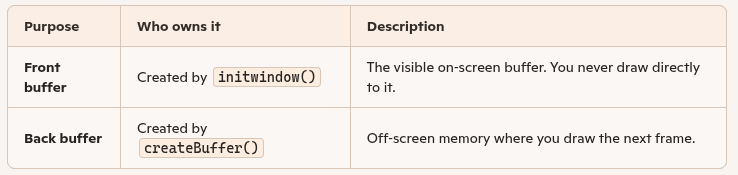
initwindow() / initgraph() automatically allocates exactly two software pixel buffers in CPU memory: page 0 and page 1. Each buffer stores one colour-index byte per pixel (the BGI palette index or an extended RGB slot).
| Variable | Meaning |
|---|---|
activePage | The page all BGI drawing commands write to (0 or 1). |
visualPage | The page that is read and sent to OpenGL when a frame is presented (0 or 1). |
You control these with three BGI API calls:
| Function | Effect |
|---|---|
setactivepage(int page) | Redirect all drawing to page 0 or page 1. |
setvisualpage(int page) | Make page 0 or page 1 the displayed page, and immediately present it to the screen. |
swapbuffers() | Atomically exchange activePage and visualPage, then present – the canonical double-buffer flip. |
Layer 2 – OpenGL / GLFW Hardware Double Buffer
GLFW opens the window with a hardware double-buffered OpenGL context (a standard front and back OpenGL render buffer managed by the GPU driver).
Every time a BGI page is to be shown, the internal flushToScreen() function:
- Clears the OpenGL back buffer.
- Iterates every pixel in the visual BGI page buffer.
- Converts each colour index to RGB and emits an OpenGL
glVertex2ipoint. - Calls
glFlush()thenglfwSwapBuffers()– this atomically swaps the GPU front/back buffers, displaying the new frame.
The programmer never calls glfwSwapBuffers() directly; flushToScreen() is an internal function invoked by setvisualpage(), swapbuffers(), and wxbgi_swap_window_buffers().
Layer 3 (advanced) – Manual OpenGL Frame Control
For programmers mixing raw OpenGL with BGI, the extension API exposes:
| Function | Effect |
|---|---|
wxbgi_poll_events() | Process OS/window events without swapping buffers. |
wxbgi_swap_window_buffers() | Call glfwSwapBuffers() directly (skips BGI pixel upload). |
wxbgi_begin_advanced_frame() | Begin a manual OpenGL draw frame. |
wxbgi_end_advanced_frame(int swap) | End a frame; optionally swap the OpenGL buffers. |
2. Conceptual Steps (English Explanation)
Step 1 – Initialize Graphics
Call initwindow() or initgraph(). Two BGI software page buffers (page 0 and page 1) are created automatically. The GLFW window opens with a hardware double-buffered OpenGL context.
Step 2 – Direct Drawing to the Back Buffer
Call setactivepage(1) to send all drawing commands to page 1 while page 0 remains visible. In Double-Buffering you deliberately avoid drawing on the visible page.
Step 3 – Draw Your Frame
Use normal BGI drawing commands (line, circle, outtextxy, etc.). Nothing appears on screen yet – all output goes into the page 1 CPU buffer.
Step 4 – Flip / Present the Frame
Call swapbuffers(). This exchanges which page is active and which is visual, then calls flushToScreen() to upload the new visual page to OpenGL and call glfwSwapBuffers() on the GPU.
Step 5 – Clear and Repeat
Call cleardevice() (which clears the new active page) and draw the next frame.
Step 6 – Cleanup
Call closegraph(). Both software page buffers are freed and the GLFW window is destroyed.
3. Pseudo-Code (Generic Explanation)
4. Real API Example in C++
Alternative: use swapbuffers() without explicit page management
5. Two Pages Only – No Arbitrary Buffer Count
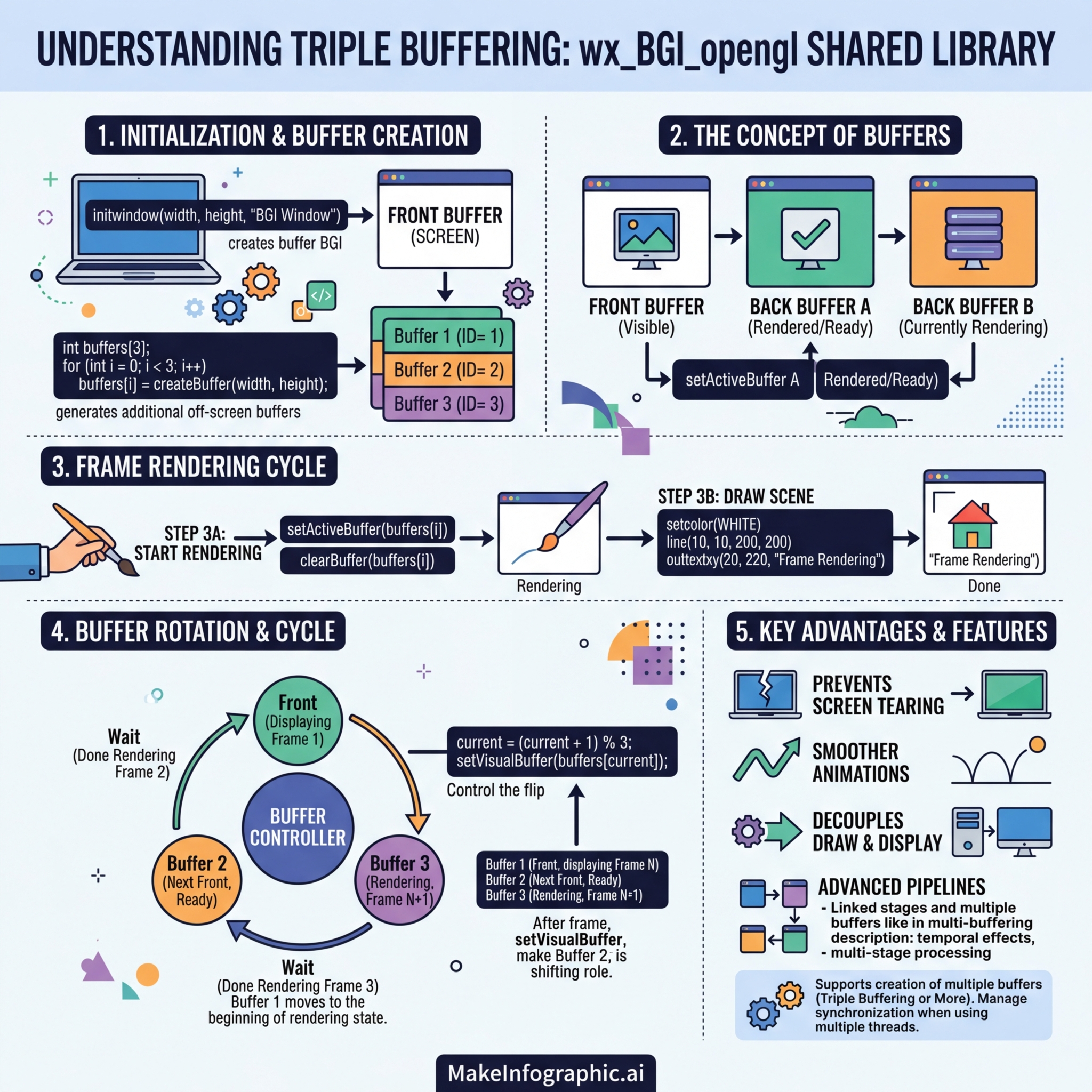
The library provides exactly two BGI software page buffers (page 0 and page 1). It does not support creating additional buffers with a createBuffer() call – that function does not exist.
Classic triple-buffering at the BGI level is therefore not available. However, the underlying GLFW/OpenGL context is always hardware double-buffered, so the complete system pipeline is:
The GPU front/back buffer swap (glfwSwapBuffers) is triggered automatically inside flushToScreen() every time setvisualpage() or swapbuffers() is called. This gives tear-free presentation without any additional programmer effort.
6. Multi-Threaded Rendering Considerations
The library protects all BGI state with a single internal mutex (gMutex). Every public API function acquires this mutex before reading or writing state, so concurrent calls from multiple threads will not corrupt internal state.
However, there are still design-level considerations:
flushToScreen()(called byswapbuffers()) must run on the thread that owns the OpenGL context. By default this is the thread that calledinitwindow().- If you draw from a background thread using
setactivepage(1)and present from the main thread usingswapbuffers(), the mutex serialises the two, but you must ensure the background thread has finished its frame before callingswapbuffers().
Safe single-producer / single-display pattern:
Use a std::atomic<bool> or std::condition_variable to coordinate; do not call swapbuffers() from both threads simultaneously.
7. Summary of Actual API Functions
| BGI Classic API | Effect |
|---|---|
initwindow(w, h, title) | Open window; allocate page 0 and page 1. |
setactivepage(page) | Direct drawing to page 0 or page 1 (0 = default). |
setvisualpage(page) | Display page 0 or page 1; triggers flushToScreen(). |
swapbuffers() | Atomic flip of active/visual pages + flushToScreen(). |
cleardevice() | Clear the active page to the background colour. |
closegraph() | Free page buffers, destroy GLFW window. |
Extension API (wxbgi_*) | Effect |
|---|---|
wxbgi_poll_events() | Process OS events (no buffer swap). |
wxbgi_swap_window_buffers() | Swap the OpenGL front/back buffers directly. |
wxbgi_begin_advanced_frame() | Begin a manual OpenGL frame (clears GL buffers). |
wxbgi_end_advanced_frame(swap) | End a frame; swap GL buffers if swap != 0. |
wxbgi_should_close() | Returns non-zero when the user closes the window. |
The canonical animation loop is: